
Harry Styles. One Night in Manchester.
2026 · ★ 7.9 · Movie
Locate audio settings in the selected player and distinguish volume problems from missing language tracks. Check source options without inferring them from a film’s country or catalogue language.
2026 · ★ 7.9 · Movie

2026 · ★ 8.6 · Movie

2026 · ★ 7.9 · Movie
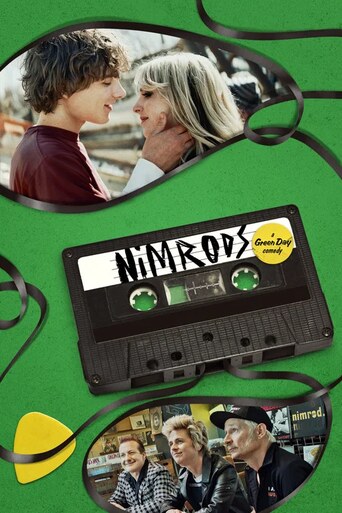
2026 · ★ 6.6 · Movie

2026 · ★ 7.8 · Movie

1956 · ★ 6.2 · Movie

2026 · ★ 8.1 · Movie

2026 · ★ 6.4 · Movie

1961 · ★ 6.1 · Movie

2026 · ★ 6.3 · Movie

2026 · ★ 7.8 · Movie

2026 · ★ 8.7 · Movie
Start playback with a deliberate tap if the browser requires it, then inspect the player’s volume and settings controls. If there is no sound, check whether the player, browser tab or device is muted before assuming that the audio track is missing.
A player may expose a track selector, a simple volume control or a different settings menu. Use the controls actually present on that source rather than expecting every server to share one interface.
| Question | Inspect | Do not infer from |
|---|---|---|
| Why is it silent? | Player, tab and device mute/volume | The poster |
| Is another language available? | The source’s track selector | Production country alone |
| Does another server differ? | The same title on that server | Options on the first source |
Country associations and a title’s original language describe the production. They do not guarantee a specific original, dubbed or alternate track in every source. Inspect the available tracks when language is part of your choice.
For captions, use the subtitle guide. If sound remains absent after checking mute and volume, follow the audio troubleshooting sequence.
Switching servers can expose a different player and different options. Keep the same film or episode selected so you can compare meaningfully. Do not assume that a second source will necessarily offer the missing track.
Use Movies or TV Series to choose another title if necessary. A useful report includes the title URL, source name, device and the language or sound problem you observed.